 Shutter
Selection, approval, reach — and what the client sees
The full picture behind the three ways you hand over photos, the situations photographers meet, what a recipient gets with and without an account, and how your files stay protected.
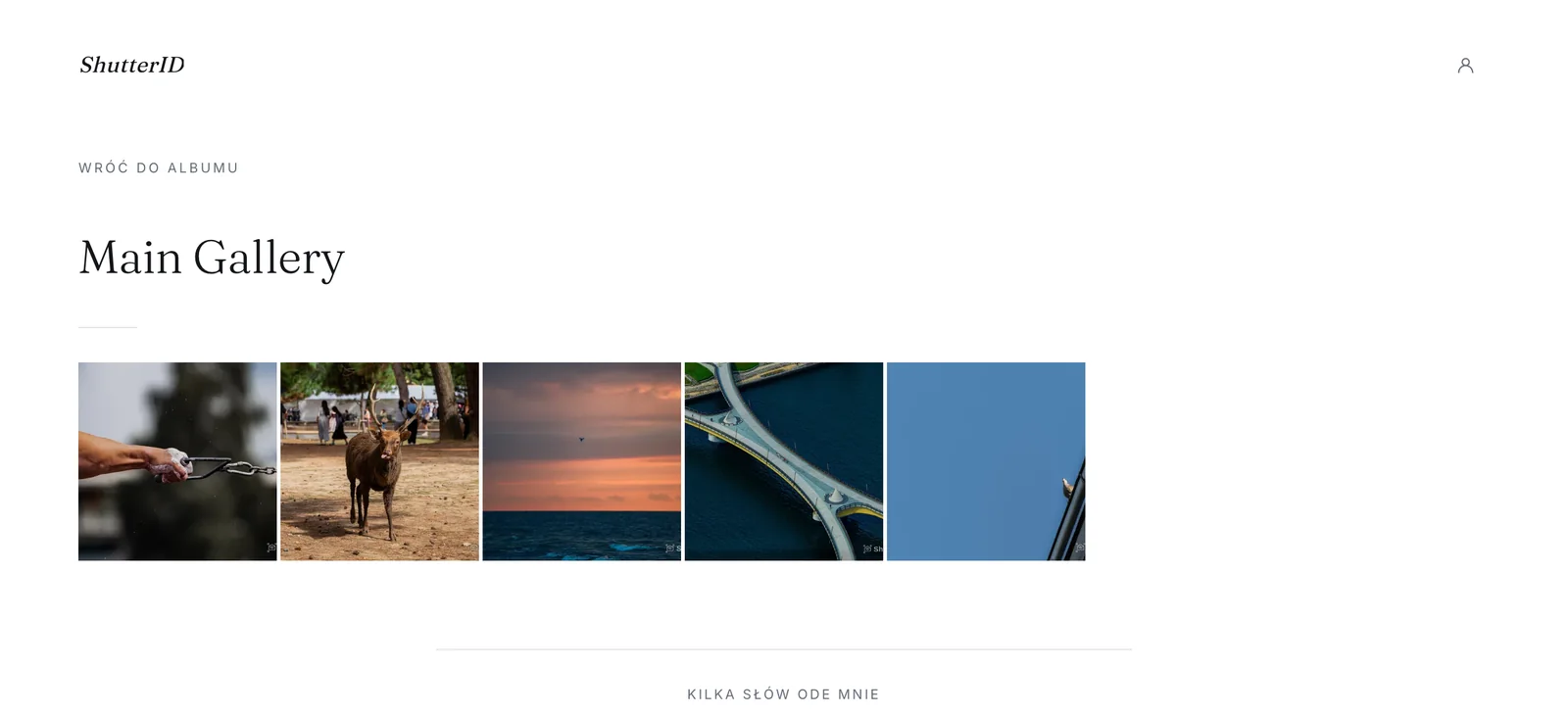
The client picks twenty out of three hundred
No more file numbers in an email. The client marks their frames, a counter keeps them to the package, and the selection is signed.
set the limit and send a link
marks them on their phone
a ready list to edit
Before it goes public, someone has to approve it
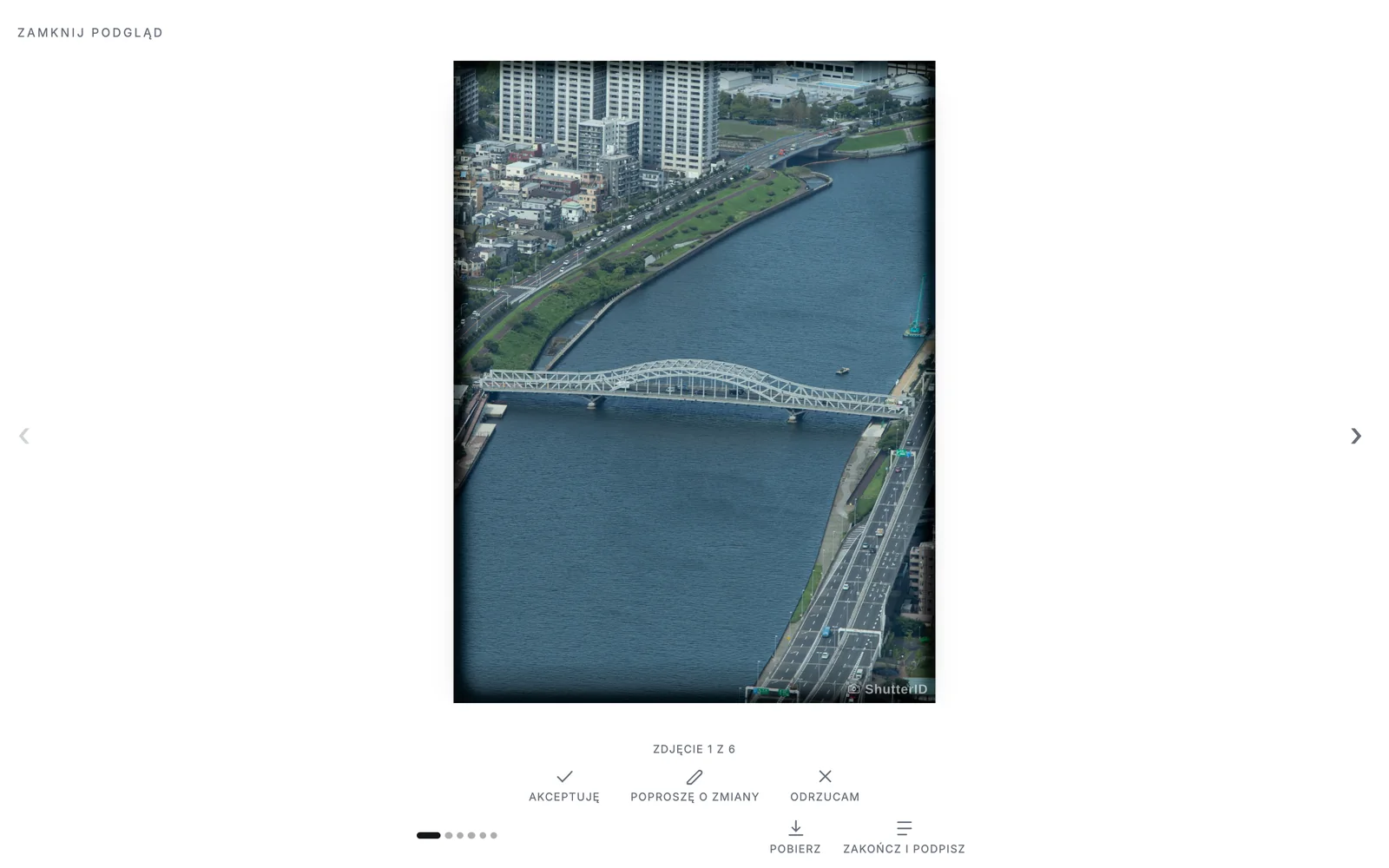
The artist, management or brand goes shot by shot: approve, needs changes, reject. A signature at the end.
publish a pick from Lightroom
decides and signs off
rejects vanish, verdicts return to your catalog
One event, many recipients
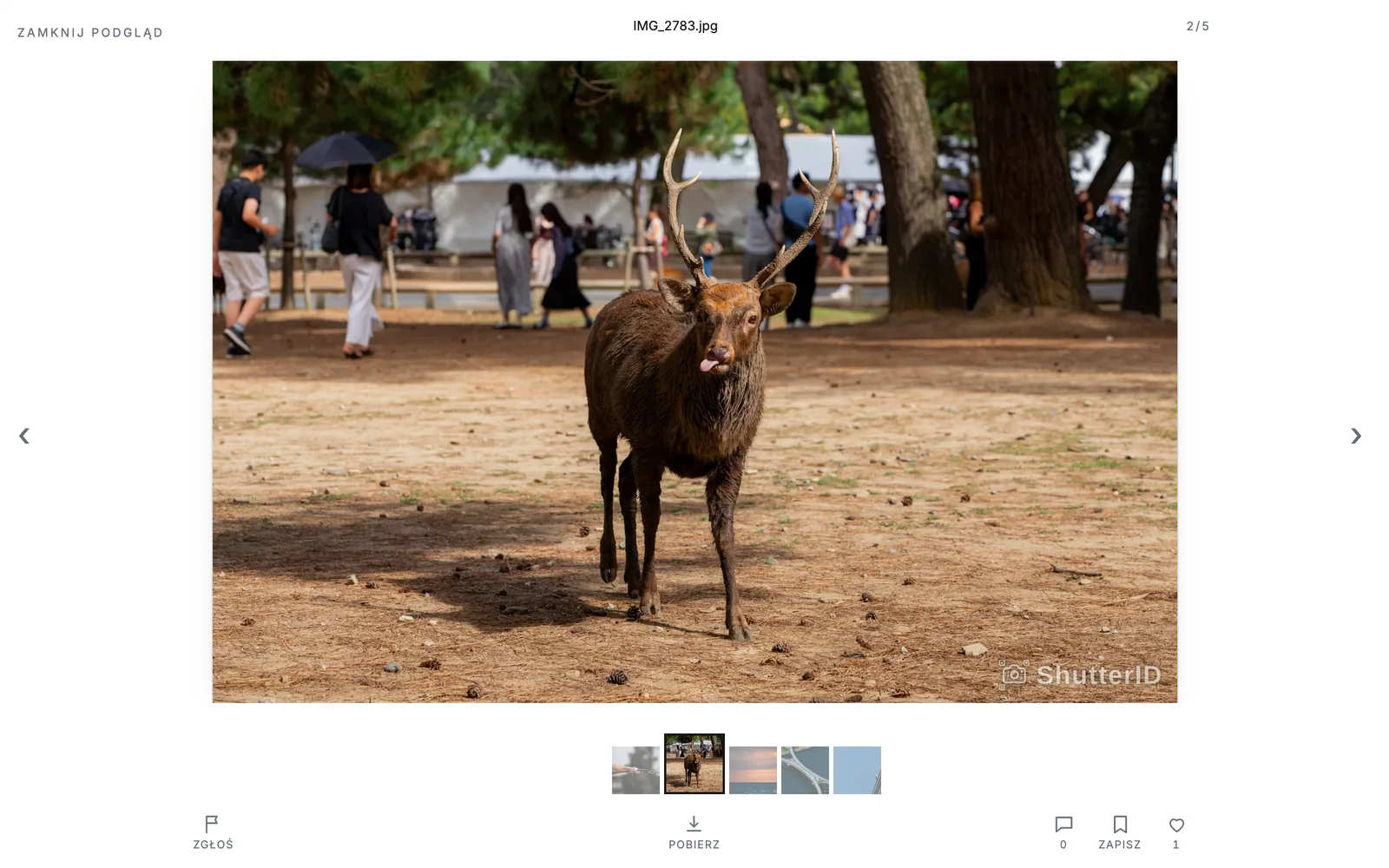
The organiser sees everything, each team its own albums, the press a selection. Everyone gets a separate link, and you see the views and downloads on each one.
create links with different reach
see only their own
close one link, the rest keep working
Every kind of shoot has a flow
One library for years
Every new session becomes a new album in the same place. The client keeps them in the browser and the app, even after switching phones.
Show before you hand over
A watermarked preview for everyone. The file only after a licence and a name. You know who downloaded what.
A standing album for contractors
After every match or event you add an album in the same place. Recipients get a notification and never ask for a new link.
First photos the same day
During a break you publish a few frames from Lightroom. Marketing approves them before posting; the rest arrive later in the same place.
Everyone picks their own, the company sees all
An employee gets a link to their own shots and picks two. HR has one link to the whole set.
A code instead of a link
Read a short code out from the stage or show a QR on your card. The guest types it in and views the photos.
They open a link and look. An account is optional.
And when a client creates an account, they come back to you — the next session lands in the same library, not in a new email with a link.
Without an account
- Enters with a link or a short code
- Views, selects, approves and downloads
- In the browser, no install
With an account
- Every library in one place, from other photographers too
- Favorites and their own collections
- iPhone app and new-photo notifications
- Photos stay after switching phones
An account opens nothing on its own. When you revoke a link, the library disappears from the recipient's account too.
Your files stay yours
Does the client need an account?
No. A link or a short code is the whole key. An account is optional — it keeps open libraries in one place so they survive a change of phone.
What happens when I revoke a link?
Every door that link opened closes: access, libraries saved on clients' accounts, notifications. The photos stay with you.
How do the 14 days of Pro work?
Every new account starts on full Pro for 14 days, no card. After the trial you stay on the free plan (2 GB, up to 12 months) or move to Pro — nothing disappears overnight.
Will I get an invoice with a VAT number?
Yes. Payments and invoices are handled by Stripe; you get an invoice with your VAT number and the right VAT on every payment.
What happens to my photos if I drop Pro?
Nothing is deleted right away. Links get 60 days, the "who downloaded" requirement and licence switch off, and storage above the free limit stays read-only. You can always download your own files, and returning to Pro restores everything.
Where do my photos live?
In the cloud, reachable only through signed, expiring URLs. There are no public file links and no ads or tracking.